.png)


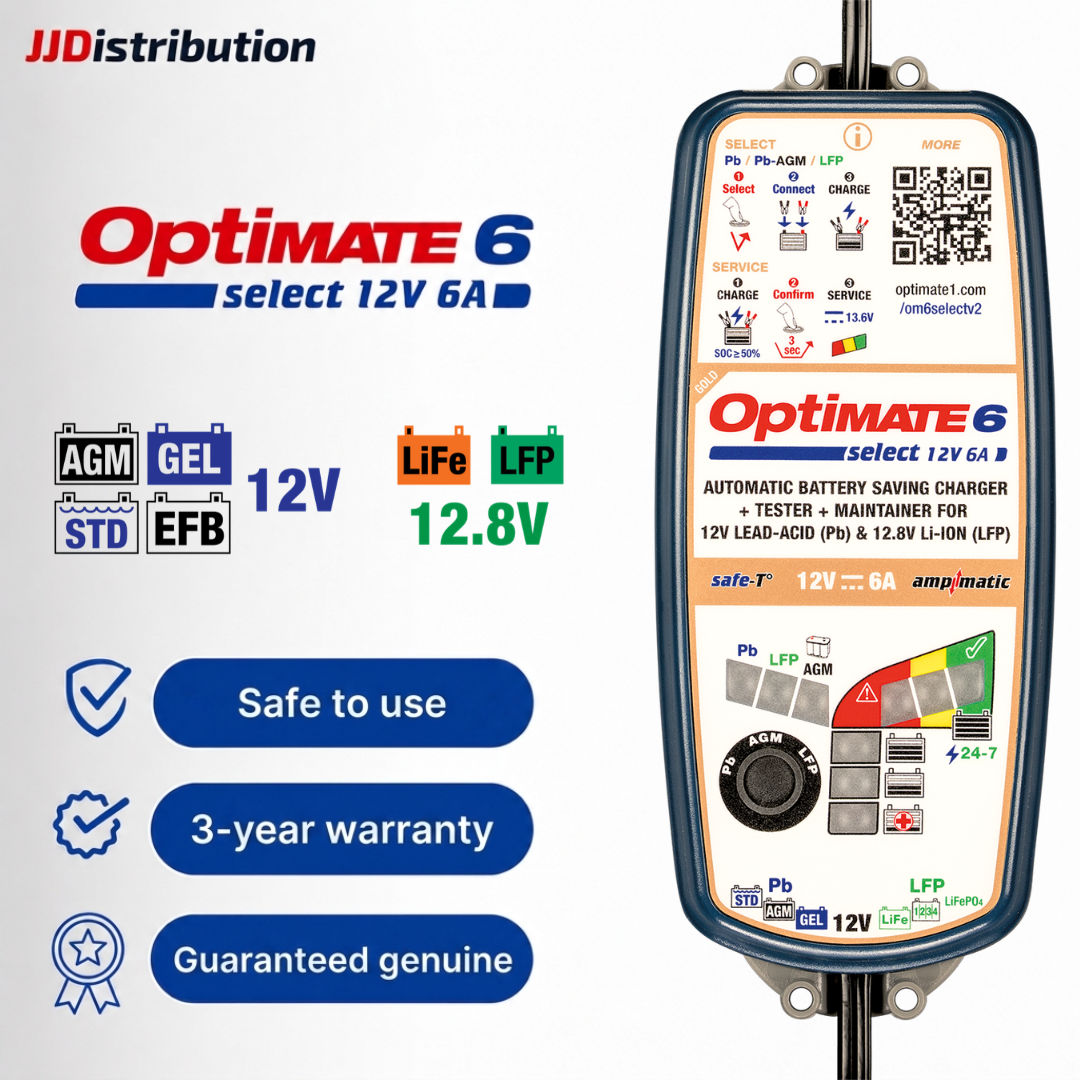
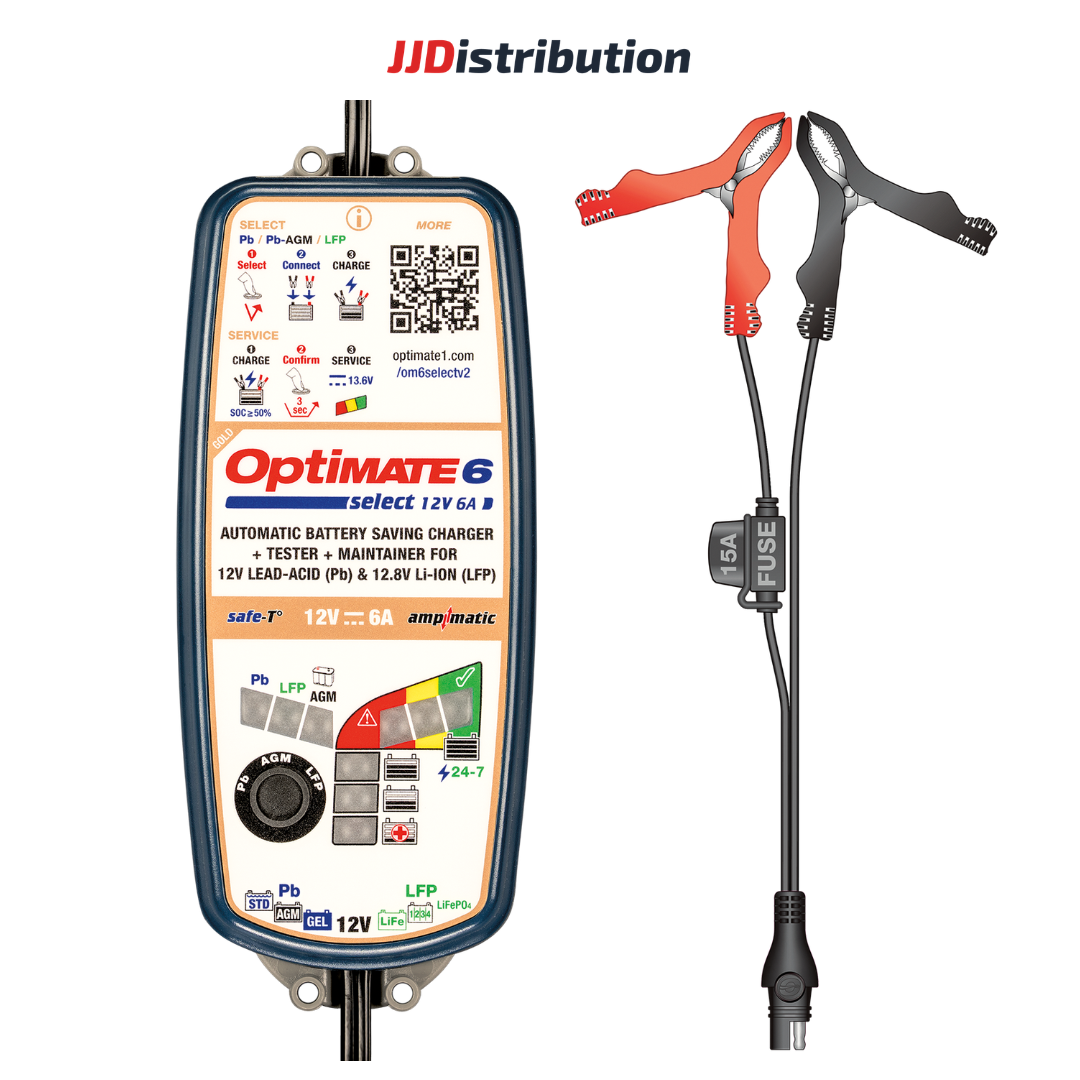
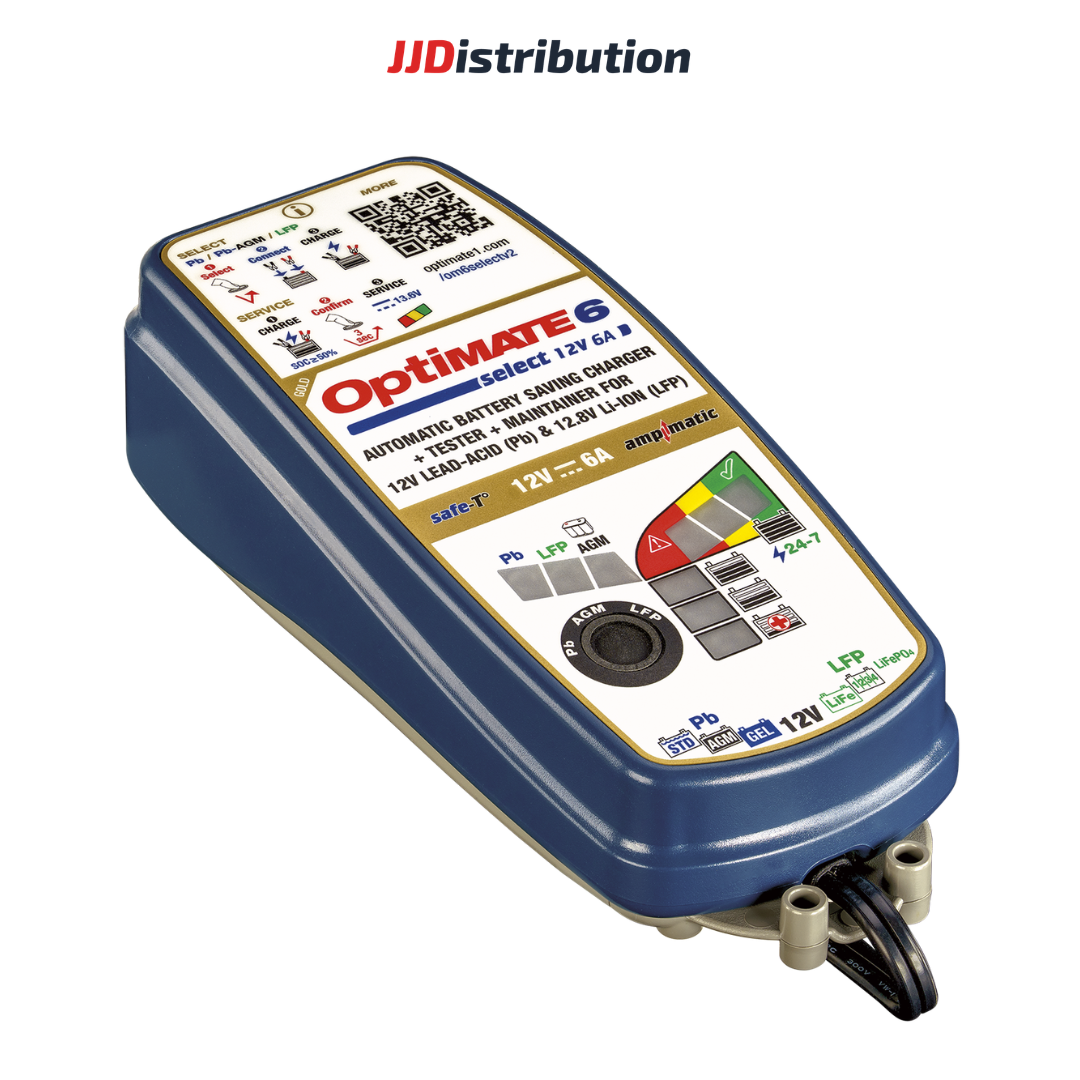


OptiMate 6 Select (V2)
12V Battery Charger & Maintainer for Motorcycles and Cars – Automatic Current Adjustment, Battery Testing & Recovery Support
Product Description
OptiMate 6 Select (V2) is a premium 12V battery charger and maintainer with functions for battery testing, charging, long-term maintenance, and recovery support for deeply discharged or sulfated batteries. With Ampmatic - automatic charging-current adjustment based on the battery's condition and charging requirements, it is suitable for motorcycles, cars and other compatible vehicles, helping maintain battery performance and extend service life
Instruction Document

Instruction Document
Quick Guide


.svg)
Technical Specifications
Comparison
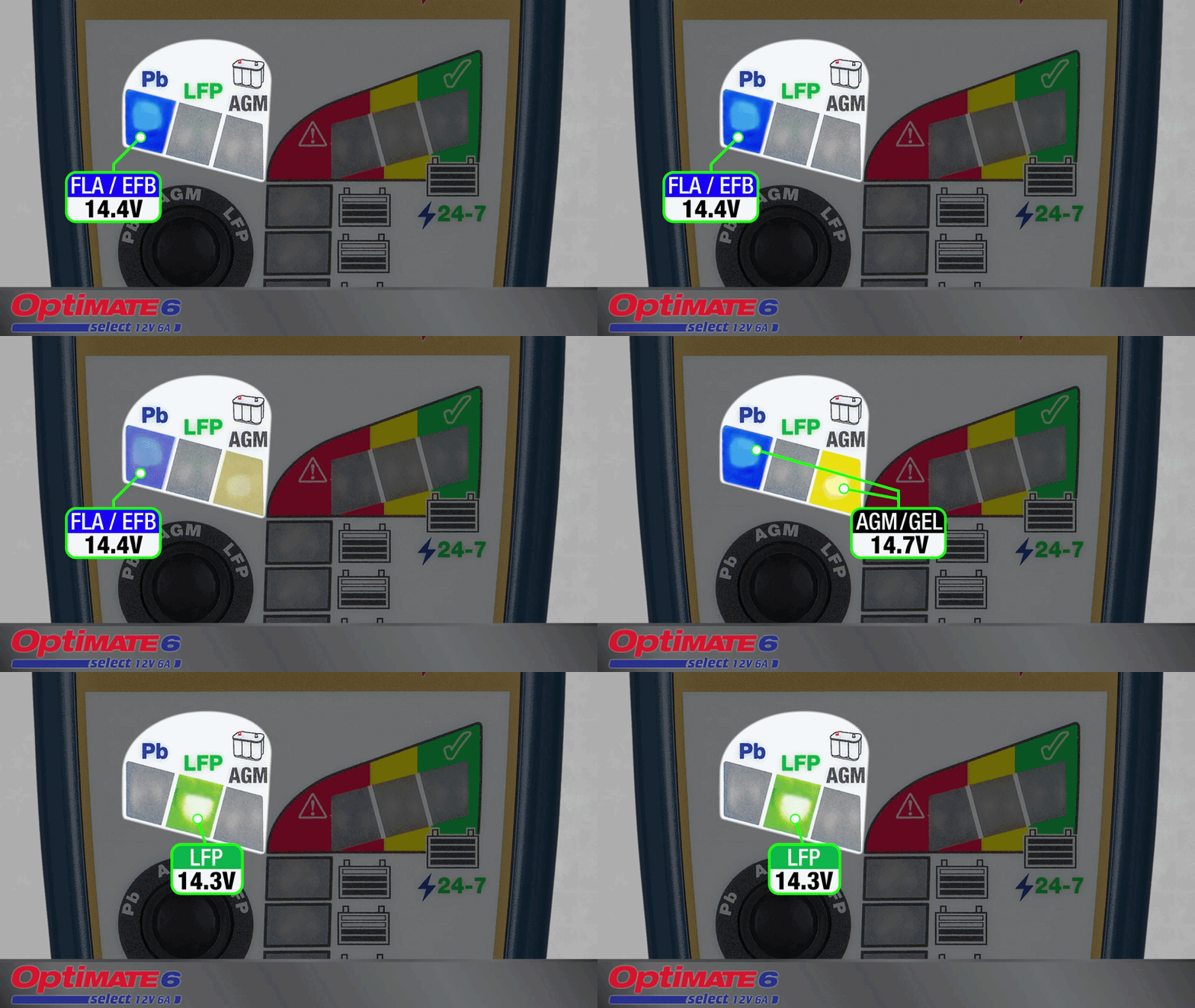
3 Flexible Charging Programs
OptiMate 6 Select (V2) supports a wide range of lead-acid batteries including flooded, STD, AGM, GEL and EFB batteries, as well as Lithium LiFePO₄ (LFP) batteries. It features three dedicated charging programs:
- Program 1 (Pb): For standard lead-acid batteries.
- Program 2 (Pb-AGM): For high-performance AGM batteries.
- Program 3 (LFP): For Lithium LiFePO₄ batteries.
.png)
Smart Ampmatic technology
With Ampmatic technology, OptiMate 6 Select (V2) automatically monitors the battery’s condition and ability to accept charge, adjusting the charging current accordingly. This helps optimize charging performance while maintaining safe and efficient operation.
The technology makes OptiMate 6 Select (V2) suitable for a wide range of 12V battery-powered vehicles, from cars and SUVs to large-displacement motorcycles and everyday motorbikes.

SERVICE Mode – Professional Workshop Power Supply
When SERVICE mode is selected, the charger provides a stable 13.6V power supply to continuously support the vehicle’s electrical system. It is ideal for diagnostics, maintenance, ECU programming/software updates, and maintaining power for vehicles on display in showrooms, helping minimize voltage drops and prevent unnecessary battery drain during service.
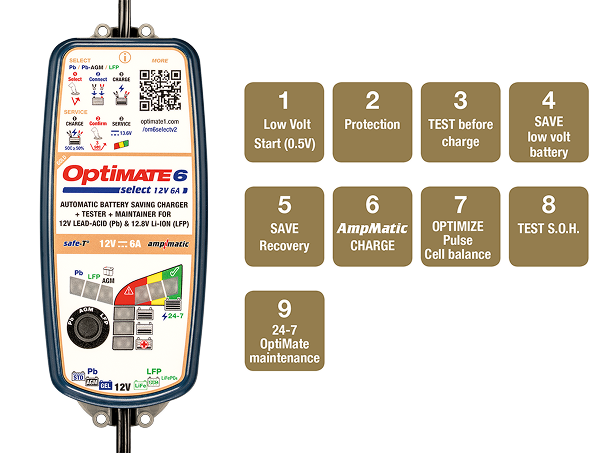
9-Step Automatic Charging Process
OptiMate 6 Select (V2) automatically operates through a 9-step charging cycle, covering the following main stages:
- Initial Test: Analyzes the battery's voltage and state of discharge.
- Desulfation & Low-Voltage Recovery: Supports recovery of sulfated lead-acid batteries and assists in reactivating Lithium batteries when the BMS has disconnected the battery for protection.
- Main Charging: Ampmatic automatically adjusts the charging current according to the battery's state of charge, chemistry and electrical storage capacity.
- Battery Condition Test: Evaluates the battery's ability to retain charge after charging and displays the result through the LED indicators.
- Maintenance Mode: Automatically adjusts maintenance current to keep the battery at an optimal charge level during long-term storage.
.png)
Desulfation, BMS Reactivation & Battery Recovery Support
For Lead-Acid Batteries: When a lead-acid battery is deeply discharged after prolonged storage or non-use, sulfation can develop and reduce its ability to accept a charge. OptiMate 6 Select (V2) uses a dedicated recovery process to help break down sulfation and restore charge acceptance in compatible low-voltage batteries.
For Lithium LiFePO₄ Batteries: When a Lithium battery is excessively discharged, the Battery Management System (BMS) may disconnect the battery to protect its cells. This can prevent conventional chargers from detecting the battery. OptiMate 6 Select (V2) provides a recovery function that assists in reactivating the BMS, allowing the battery to resume normal charging when suitable recovery conditions are met.

Vehicle‑Safe Design – 24/7 Maintenance Ready
Vehicle Electronics Protection: Spark‑free connection, no overcharging, automatic shutdown on short circuit or disconnection, and reverse‑polarity warning – ensuring complete safety for sensitive sensor circuits on modern vehicles.
Smart Maintenance Mode: Once 100% charge is reached, the unit automatically switches to maintenance mode, compensating for natural self‑discharge without overheating or degrading the battery – enabling safe, continuous connection for extended periods.

Real‑Time LED Monitoring
OptiMate 4 Quad provides clear visual feedback through its smart LED system, tracking every phase from AC power connection, program selection, recovery of weak batteries, charge progress, to final battery status.
This intuitive display allows you to monitor and verify the process at a glance – no specialized measuring tools or complex operations required.
Frequently Asked Questions
OptiMate 6 Select (V2) is suitable for a wide range of vehicles with compatible 12V batteries, from everyday motorcycles and large-displacement motorbikes to cars and SUVs, including:
- Motorcycles & scooters: Honda SH, Air Blade, Winner X, Yamaha NVX, Exciter, Honda CB150R...
- Large-displacement motorcycles: BMW Motorrad, Triumph, Ducati, Harley-Davidson, Kawasaki, Yamaha MT-Series, Honda CB-Series...
- Cars & SUVs: Toyota Camry, Honda CR-V, Mazda CX-5, Hyundai Santa Fe, Ford Everest, Toyota Fortuner, Kia Sorento, Subaru Forester...
With Ampmatic charging up to 6A, OptiMate 6 Select (V2) is suitable for both smaller and larger batteries within its compatible range, and supports lead-acid and Lithium LiFePO₄ batteries
No. When the battery is fully charged. You can leave the charger connected continuously for several months. The charger will automatically switch to maintenance mode, preventing overcharging and protecting the battery.
Service Mode provides a stable 13.6V power supply for vehicle diagnostics or software reprogramming. To activate it, press and hold the button for 3 seconds while the charger is in one of the main charging stages.
There are usually two main causes:
- Reverse polarity: Disconnect the charger from the power supply, swap the red and black clamps to the correct terminals, then reconnect the charger.
- Lithium battery: The battery may have suffered permanent damage, or the vehicle's electrical system may be causing interference. Turn off all electrical devices on the vehicle or disconnect the battery and charge it separately.
Step 1: Turn off all electrical devices on the vehicle. Connect the RED clamp to (+) and the BLACK clamp to (-).
Step 2: Make sure Mode 3 (Lithium) is selected.
Step 3: Press and hold the button for 3 seconds until LED #3 flashes once per second, then release the button. The charger will deliver a reset pulse to unlock the BMS and automatically switch to normal charging.
.avif)
.avif)
.avif)
.avif)
.png)